Is iCloud sync really free?
Yes. Clipboard history, Pages, search, and iCloud sync are
included in Free, without a trial timer or a PasteNotch
subscription. Sync uses your own Apple iCloud account and
available storage. Apple’s iCloud storage limits still apply.
Does free iCloud sync include the web portal?
No. iCloud sync connects your Apple devices. The PasteNotch web
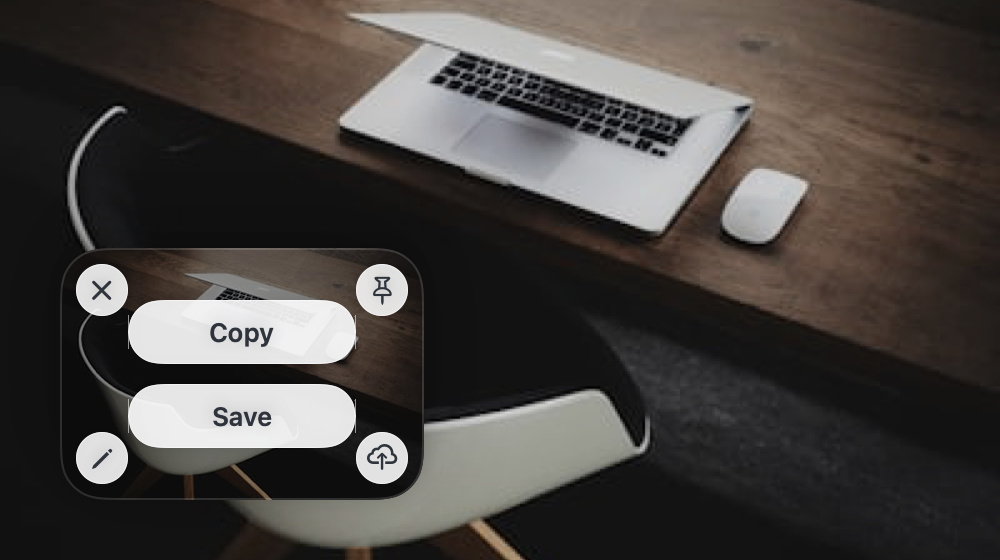
portal, Cloud-synced bookmarks, screenshot capture, and video
recording require PasteNotch Cloud at $2.99/month with 25 GB.
Saving links and images copied from other apps to your clipboard
history remains free.
Where does my clipboard history actually live?
Your clips are saved locally. Free syncs through your private
iCloud database. Cloud subscribers can explicitly move eligible
history and Pages into their private PasteNotch Cloud library for
web access and sync. Local copies remain available offline.
Sensitive clips, locked Pages, temporary clips, and local file
references are excluded from Cloud clip sync.
Does PasteNotch have an account or a server?
Free needs no PasteNotch account: it uses your Apple iCloud
account for sync. Cloud is optional and uses your subscription
account. The portal signs you in with an emailed link. Clipboard
history is not sent to AI; bookmark analysis is a separate Cloud
feature.
What is in the free plan?
Unlimited clipboard history, the notch panel, search, filters,
pinning, Pages, and private iCloud sync. Copied images are clips
too. There is no trial timer. Taking screenshots, area OCR, screen
recording, bookmarks, and the web library are Cloud features.
What does Cloud cost?
PasteNotch Free is $0. PasteNotch Cloud is $2.99 per month with 25
GB, screenshots, recording, bookmarks, sharing, and optional Cloud
clip sync. Checkout runs on Polar.sh; paste your license key into
PasteNotch → Settings → Plan. Existing lifetime purchases remain
supported.
I have been using PasteNotch since before there were plans. What
happens to me?
Existing lifetime owners and grandfathered Early Supporters keep
their capture tools. You do not need a subscription to retain what
you already own. Cloud storage, bookmarks, and the web library
remain subscription features.
What happens if I cancel Cloud?
Your local clips and Pages remain yours. New Cloud uploads and
paid tools stop when access ends. Use the app or the portal to
retrieve your cloud content, then choose Return to iCloud in
Settings and restart to continue with Free. This switch does not
delete cloud files or cancel billing; manage your subscription
through Polar.
Do I need PasteNotch Cloud to take screenshots or record the
screen?
For new customers, screenshot capture, area OCR, and screen
recording are included with Cloud. Existing lifetime owners keep
these tools. Free continues to save images copied from other apps.
Cloud capture tools work offline while your cached subscription
access is valid.
How do share links work, and can I take one back?
An uploaded capture or file stays private until you create a link
for it. Share links are never cached by the browser, and revoking
a link cuts off access immediately — after which it stops
resolving. Deleting the object removes it outright.
What are locked Pages?
A password gate on a single board. While it is locked, its clips
vanish from the panel, from search results, and from the tab strip
until you type the password. Be clear-eyed about what it is: a
privacy lock that hides content from someone glancing at your
screen, not encryption. Do not treat it as a password vault.
Can I share a Page with someone else?
Yes — export it as a single .clipstorypage file and
send it however you like. On import, any clips the recipient
already has are matched by content hash instead of duplicated. It
is a handover, not a live shared board: there is no ongoing sync
and no way to recall the copy.
Which macOS permissions does it ask for?
Screen & System Audio Recording for screenshots, area OCR, and
screen recording — requested the first time you use one of them,
never at launch. Accessibility only so PasteNotch can paste into
the app in front of you; copying works fine without it. Microphone
only if you record with the mic on.
Will it capture my passwords?
PasteNotch skips clipboard items marked concealed, transient, or
auto-generated, which is what password managers set. On top of
that, a conservative heuristic flags things that look like
one-time codes, API tokens, private keys, or card numbers:
previews are masked and the clip can expire on its own.
What do I need to run it?
macOS 14 (Sonoma) or later. Download the ZIP, move PasteNotch to
Applications, and it updates itself from then on. An iPhone
companion is in progress — see the note above.